
Free Online PDF & Image Tools
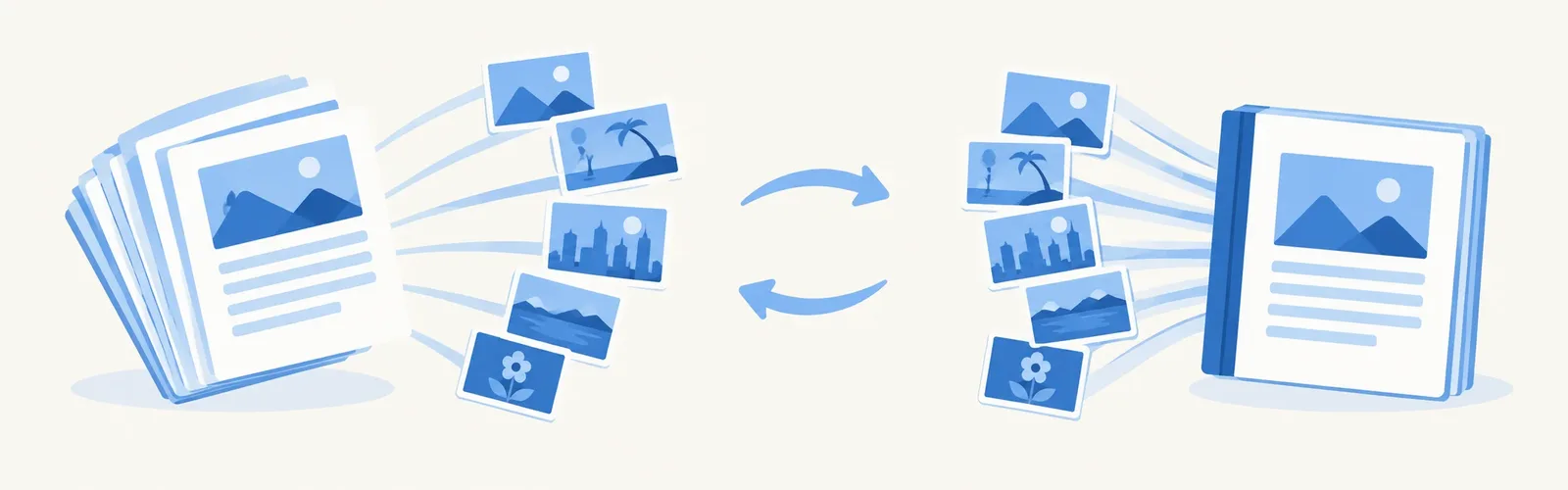
Two of the most-needed document tasks, done privately in your browser. Turn every page of a PDF into a sharp image, or combine scans and photos into one tidy PDF ready to email or submit.
Choose a tool
PDF to JPG Converter
Convert PDF to JPG online free.
Image to PDF Converter
Convert images to PDF online free.
Why do these PDF tools run in the browser?
PDFs often contain personal information – IDs, contracts, bank statements, medical records. Uploading them to a random converter means trusting a stranger's server with that data. Convert Now renders and builds PDFs locally with open-source libraries (pdf.js and pdf-lib), so the file you convert is never transmitted anywhere.
Choosing resolution and format
For sharing on WhatsApp or embedding in a slide, 144 dpi JPG is plenty. For printing or zooming into fine text, choose 300 dpi. Use PNG output when the PDF contains diagrams, screenshots or text on flat colours, and JPG for scanned photos. When building a PDF from images, ‘Fit to image’ keeps every pixel, while A4 or Letter gives you a standard printable page.
Frequently asked questions
Can I convert only some pages of a PDF?
Yes. Type a page range such as 1-3,7 in the Pages box. Leave it empty to convert every page.
Does the PDF need to be unlocked?
Password-protected PDFs cannot be opened by the converter. Remove the password in your PDF reader first.
What image types can go into a PDF?
JPG, PNG, WebP, GIF, BMP and HEIC photos from an iPhone. Each image becomes one page, in the order you added them.
How large can the PDF be?
Because processing is local, PDFs of several hundred pages work fine on a laptop. On phones, keep it under about 100 pages for a smooth experience.
Is anything stored after I leave?
No. Both the input and the output exist only in your browser's memory and are discarded when you close the tab.